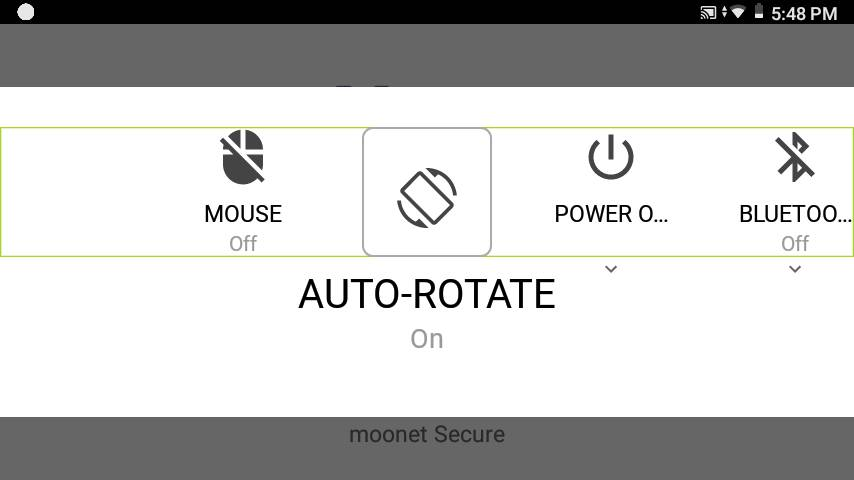
When the HMT device rotates the display will automatically rotate by default. This is important when setting the display position to left eye or right eye.
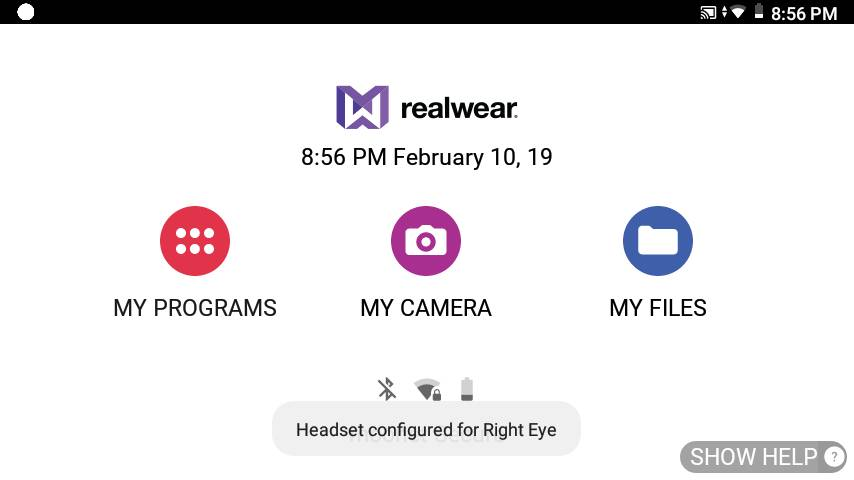
A toast message appears on the screen indicating the change in the orientation.
Auto-rotate can be toggled on or off in My Controls. Say “AUTO ROTATE” to toggle the setting on or off.