To use Edit Mode to delete files, do the following:
- Go to the applicable folder.
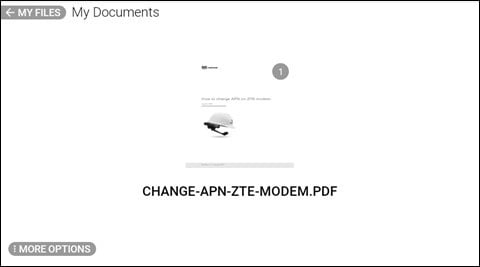
- Say MORE OPTIONS
- Say EDIT MODE to select one or more of the files shown.
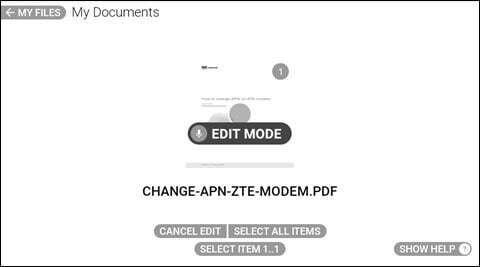
- Say SELECT ITEM # to select the applicable file. A checkmark indicates the file is selected.
Note: To select all files in the folder, say SELECT ALL ITEMS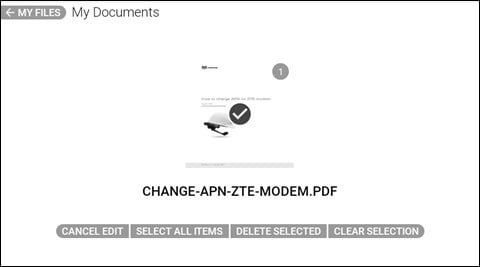
- Say SELECT ITEM # again to select additional files, as required.
- To delete the selected files, say DELETE SELECTED.
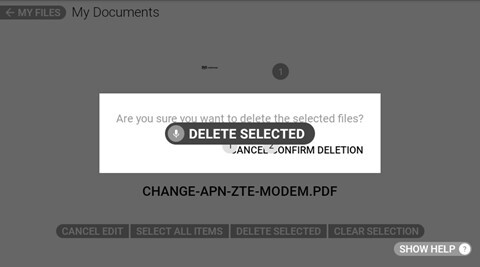
- Say CONFIRM DELETION to permanently delete the selected files.
- To cancel deleting the selected files, say CANCEL.
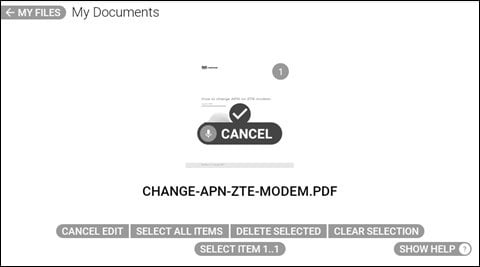
- Say CANCEL EDIT to exit Edit Mode.