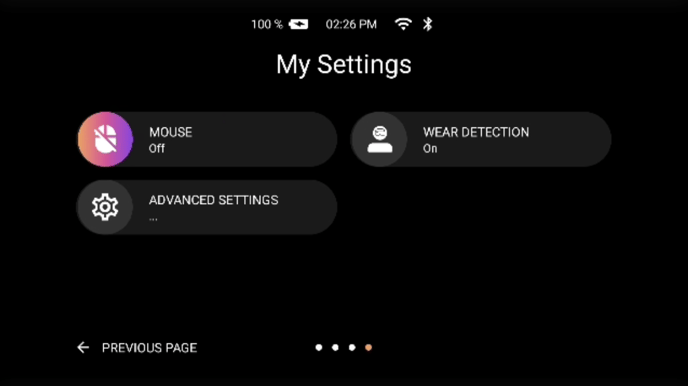
The RealWear Arc 3 includes wear detection as part of its onboard sensor suite. This means the device can automatically detect when it is being worn by the user.
To configure wear detection on your RealWear Arc 3, follow these steps.
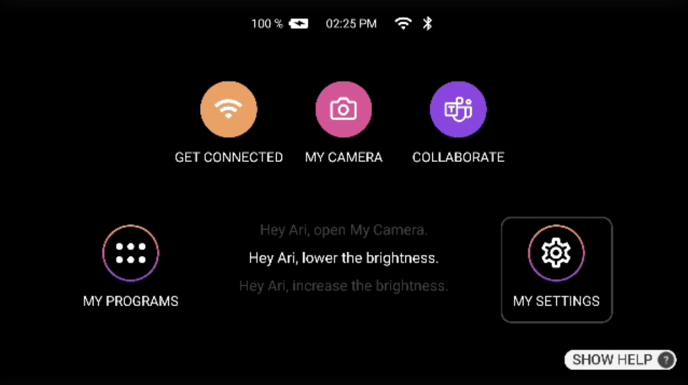
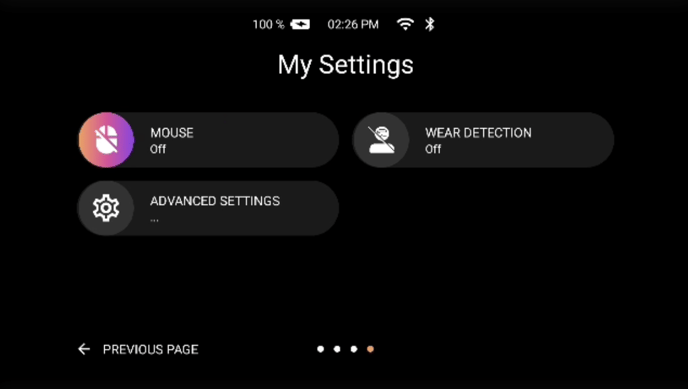
From the main menu, navigate to MY SETTINGS, then select NEXT PAGE until you find WEAR DETECTION, where you can toggle WEAR DETECTION (ON or OFF).
WEAR DETECTION (OFF)
WEAR DETECTION (ON)