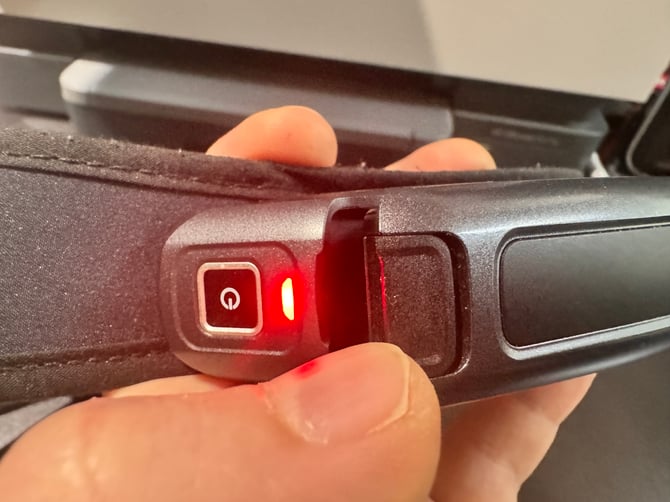
1. Remove the External Battery
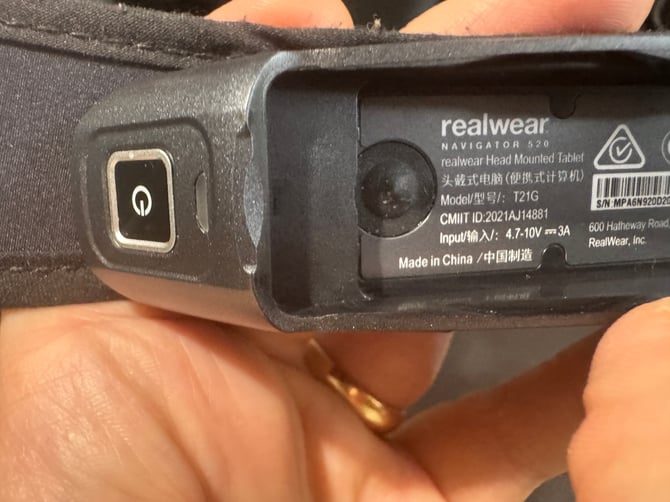
2. Locate the raised round rubber button beneath the battery (on the device)

3. Press the button. There won't be an audible tone or haptic feedback. The indicator that it worked is that the Red blinking light will have stopped, and the device powered off fully.
4. Reinsert the external battery and power up your device.