Opt-in by design
Ari OS prompts you to opt-into AI during the onboarding of your device.
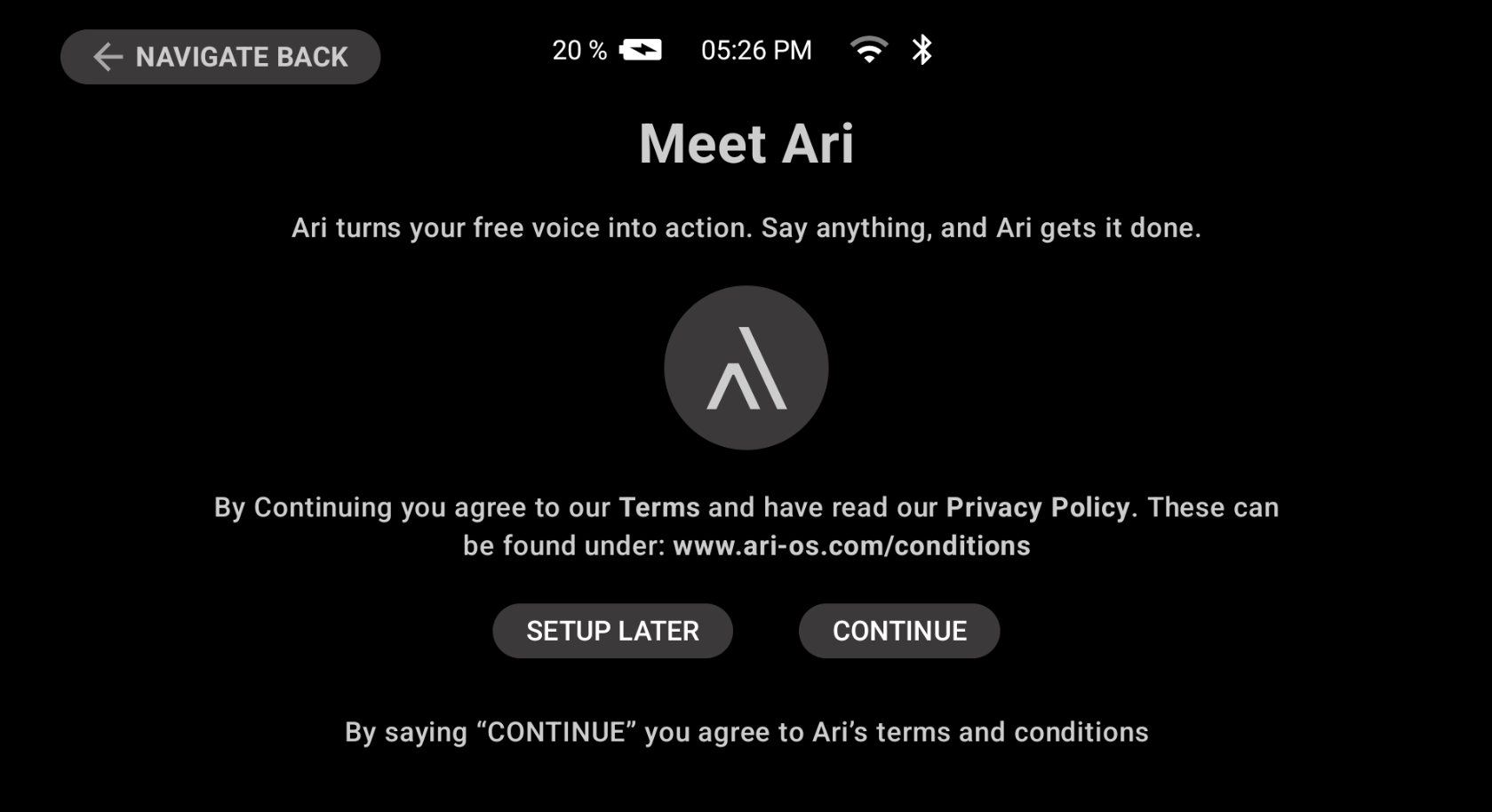
If you choose 'SETUP LATER', Ari will be disabled and any attempt to use it will bring you back to the same screen and ask for approval.
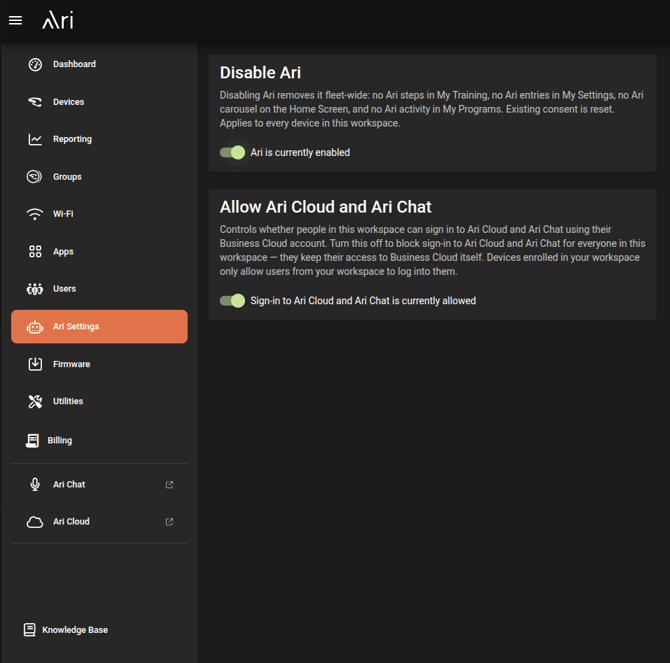
Disabling Ari from Ari Business
The second lever for disallowing AI-features on your devices is accessible from Ari Business cloud. Under the Ari Settings section, you will find a switch (enabled by default) that, if disabled, will disallow usage of Ari across your entire fleet of devices enrolled into that workspace.