Wireless Update is where you ask the device whether there is a newer version of its software.
Say "MY PROGRAMS", then "WIRELESS UPDATE".
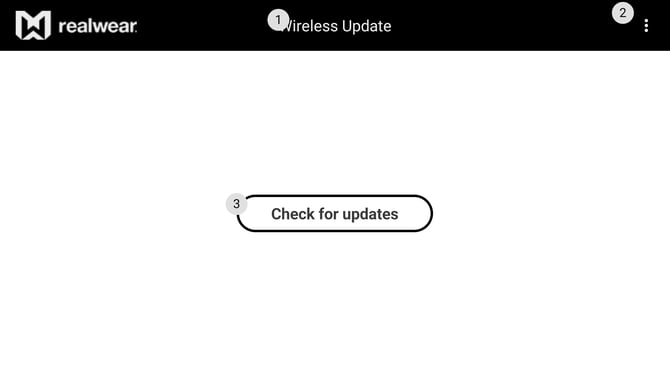
Say "CHECK FOR UPDATES". The device tells you either that it is up to date, or what is available.
The device needs to be on Wi-Fi to check. The check itself uses very little data; the update that follows does not.
What happens next
Updating Your Device Software covers the rest: what the device needs before it will install, what it does while installing, and what to do if it fails.
Automatic update notifications
Checking manually is optional. When your organisation releases an update, the device is notified and presents it automatically. Use this app to check on demand, typically after being informed that a fix has been released.