Web Apps holds the web applications that have been set up for your device, so they open like any other app instead of having to be found in a browser.
Say "WEB APPS" from My Programs to open it.
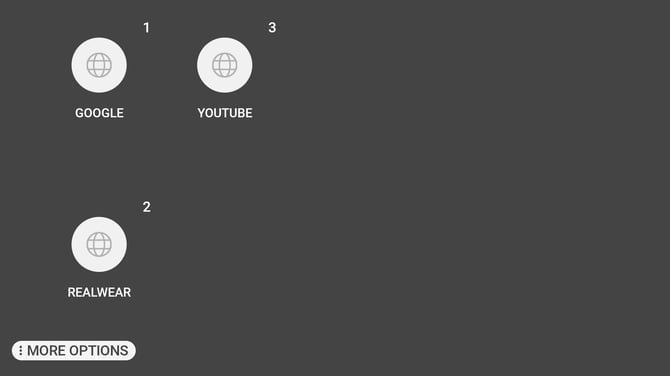
Each application carries a number. Say the name shown beneath it, or say "SELECT ITEM" followed by that number.
Adding a web application
Say "MORE OPTIONS", then "SCAN CODE", and hold a QR code in front of the camera. A code produced for a web application adds it to the list.
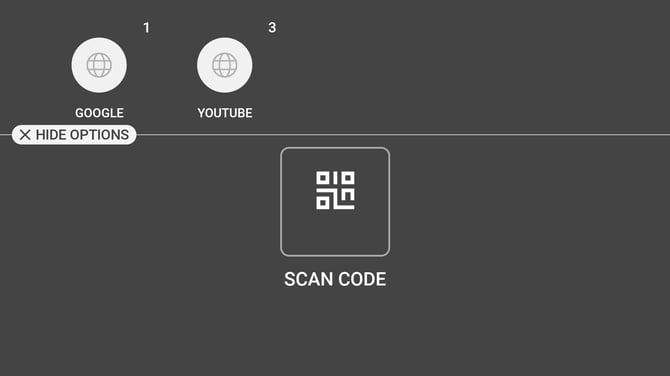
Say "HIDE OPTIONS" to close the panel without scanning.
This is how a web application is deployed across a fleet of devices without an address being typed into each one.
Messages
Could not find application to open the web link means the device has no browser able to handle that address. This is a device configuration problem, not a fault in the code that was scanned.