Say "RECENT APPLICATIONS" from any screen to see the apps that are still open. Each one appears as a card showing the screen you left it on, with a number above it.
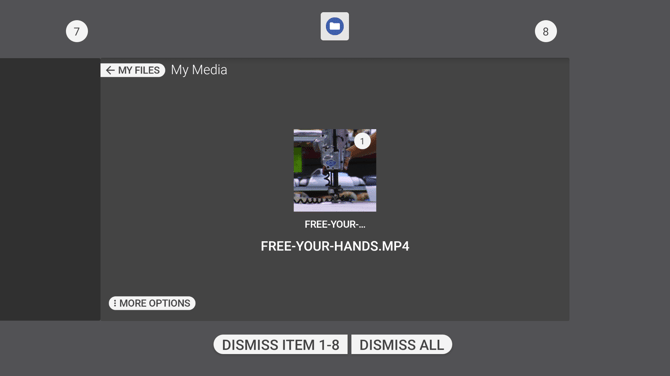
Say "SELECT ITEM" followed by a number to go back to that app, picking up where you left off.
Closing apps
Say "DISMISS ITEM" followed by a number to close one app, or "DISMISS ALL" to close all of them.
Closing an app here stops it running. Anything unsaved in it is lost, in the same way as closing a window on a computer.
Voice Commands
| Voice Command | Action |
|---|---|
| "RECENT APPLICATIONS" | Shows the apps that are open. |
| "SELECT ITEM" followed by a number | Returns to that app. |
| "DISMISS ITEM" followed by a number | Closes that app. |
| "DISMISS ALL" | Closes every app in the list. |
| "SHOW HELP" | Lists the commands available on this screen. |