Say "BARCODE READER" from My Programs to scan a barcode or a QR code.
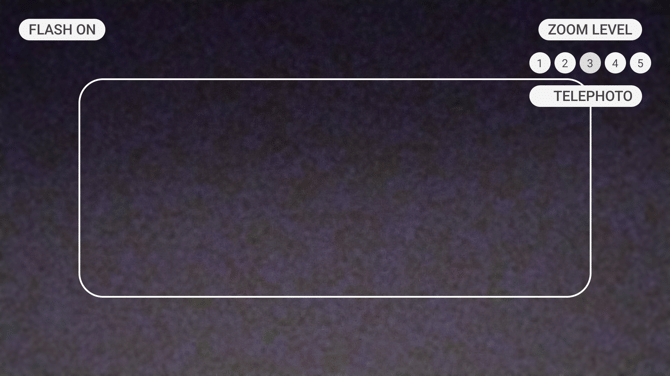
Point the camera at the code and fit the whole of it inside the white rectangle. The device chimes when it reads the code and shows you what it found.
Making a code easier to read
| Voice Command | Action |
|---|---|
| "ZOOM LEVEL" followed by a number from 1 to 5 | Zooms in, for a code you cannot get close to. |
| "TELEPHOTO" | Switches to the telephoto camera, which reads a small or distant code more reliably than zooming. |
| "FLASH ON" | Turns the light on, for a code in shadow. |
| "FLASH OFF" | Turns it off again. |
A code that will not read is usually too small in the frame, out of focus, or lit so brightly that it glares. Zoom in, move slightly, or use the flash.
What happens to what it reads
Most codes hold plain text, which the device simply shows you.
Some hold something it can act on, and the device asks before acting:
- A web address opens in the browser, after asking.
- A bookmark code opens a document or a video on the device at the point the bookmark records, downloading the file first if the device does not have it.
- An app code opens an app, after asking.
- A meeting link offers you the apps on the device that can join it.
The device asks first in each case, so scanning an unfamiliar code does not commit you to anything.
Codes it can read
Code 39, Code 128, Data Matrix, EAN-8, EAN-13, QR Code, UPC-A and UPC-E.
Messages
Camera is not detected means the camera is covered or unavailable to the app. Check that nothing is over the lens and that another application is not already using it.
QR code has invalid format means the code was read but its contents are not something the device can act on.