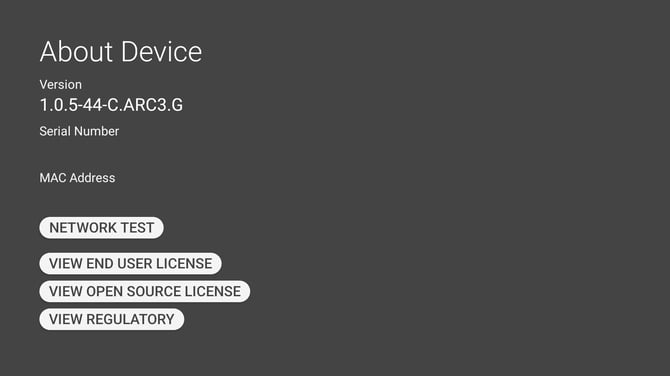
About Device is where the device tells you what it is. Say "ABOUT DEVICE" from My Programs to open it.
What it shows
| Item | What it is |
|---|---|
| Version | The software the device is running. This is the number support will ask you for. |
| Serial Number | The device's own identifier, the same one on the label. |
| MAC Address | The device's network address, which is what your network team needs to let it onto a restricted network. |
Checking your software version
Open About Device and read the number under Version. That is the answer to "which version am I on", and have it ready before reporting a problem or asking whether an update applies to you.
Network Test
"NETWORK TEST" checks whether the device can actually reach the services it needs, rather than only whether it has joined a network. A device can be on Wi-Fi and still be blocked by a firewall, and this is what tells the two apart.
Licence and regulatory information
| Voice Command | Opens |
|---|---|
| "VIEW END USER LICENSE" | The software licence agreement. |
| "VIEW OPEN SOURCE LICENSE" | The open source licences the software uses. |
| "VIEW REGULATORY" | The regulatory and compliance information, by country. |
The regulatory screen carries the approval identifiers for each region the device is sold in, along with the manufacturer's details. It is the electronic version of the information that would otherwise be printed on the device.